Advertisement

Controls & Inputs

Roblox control layouts can change by device, so this page explains the practical input workflow without claiming every keybind is officially documented.

SPlayer workflow

PC Keyboard Layout

Use WASD for movement, 1-4 for hotbar slots, Z/X/C/V for skills, M1 to cast/reel, and E to interact with NPCs.

RolePrimary input
TypeControls note
ObtainVerify in-game from the Roblox client
Best ForPlayers searching Heavyweight Fishing PC controls
WASD movementZXCV skillsM1 cast/reel
ADevice workflow

Mobile Touch Layout

Mobile players should keep movement inputs short and avoid tight skill chains until they have muscle memory for the on-screen buttons.

RoleMobile route
TypeControls note
ObtainVerify on Roblox mobile
Best ForPlayers searching Heavyweight Fishing mobile guide
Touch movementTap skillsUI overlap
ACore mechanic

Reeling Mini-game

The reeling mini-game punishes over- and under-clicking. Practice keeping the indicator out of the red zone before chasing rare fish.

RoleCatch timing
TypeControls note
ObtainVerify in-game
Best ForMastering the red-zone failure area
Red-zone avoidanceClick cadenceCatch mechanic

Controls Media

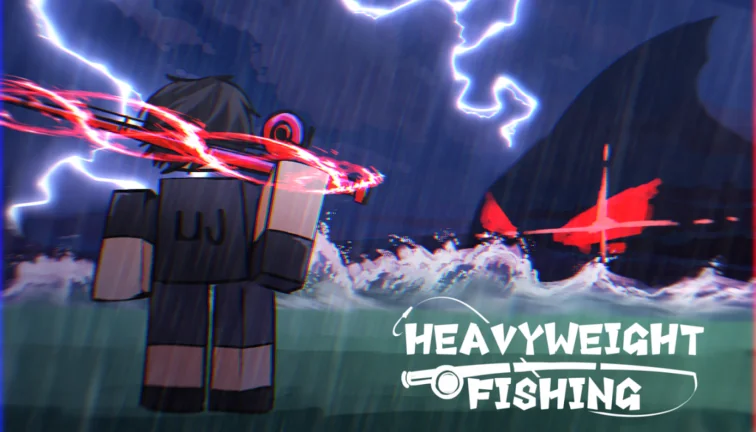
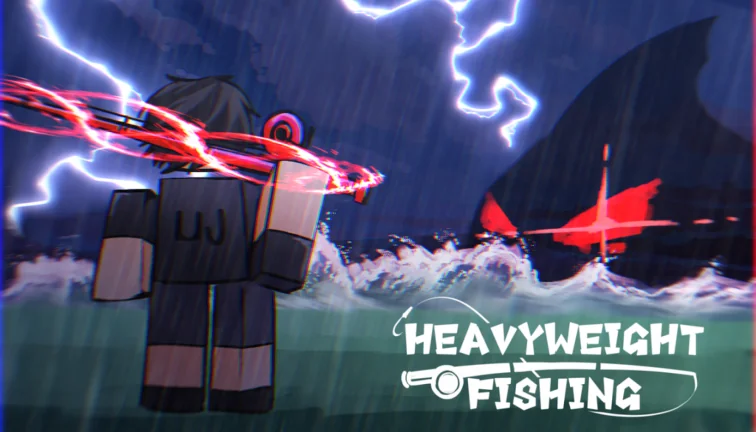
Official Roblox Heavyweight Fishing game icon
Official Roblox icon verified from universe ID 8342498724.
Official Heavyweight Fishing Roblox thumbnail used for rod and bait notes
Official Roblox gallery thumbnail used on rod and bait pages.

Data Quality Notes

Keep entries useful by separating source-backed facts, player-tested strategy, and update timing.

Source fields

Keep rarity, obtain method, abilities, and summary tied to official posts or repeatable in-game testing.

Internal links

Link controls entries to matching builds, boss routes, and guide sections.

Update rhythm

Keep tier values and obtain methods current after each game update.

Advertisement
Advertisement
Advertisement
Advertisement
/* PATCH-AUTO-AD-INJECT */